


The Goblin
TWS Fone Bluetooth Earphones Wireless Headphones with Mic Touch Control Wireless Bluetooth Headset Earbuds For Smartphone
TWS Fone Bluetooth Earphones Wireless Headphones with Mic Touch Control Wireless Bluetooth Headset Earbuds For Smartphone
Couldn't load pickup availability
SPECIFICATIONS
Active Noise-Cancellation: Yes
Battery Capacity[mAh]: 1200
Bluetooth Version: 5.3
Brand Name: LS
Category: Earphones & Headphones
Certification: CE,FCC,RoHS
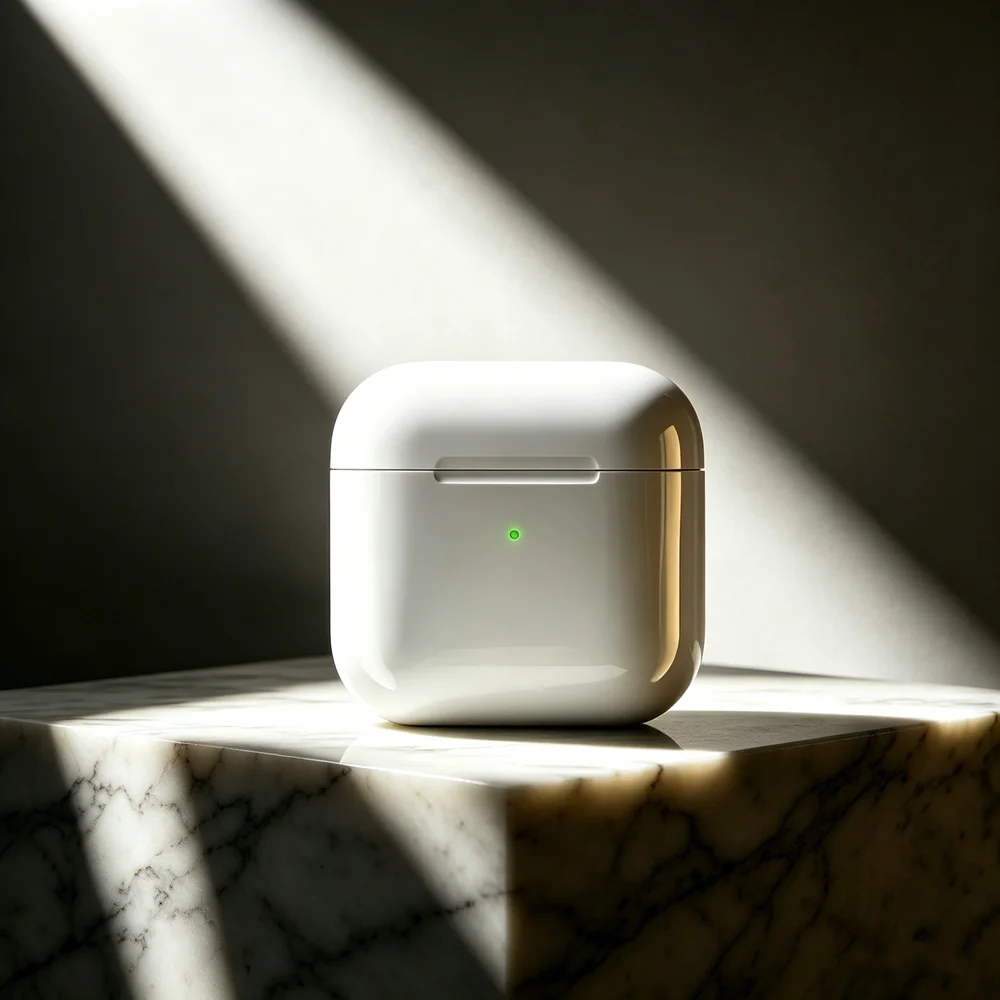
Charging Method: Charging case
Choice: yes
Codecs: NONE
Communication: WireLess
Connectors: Type c
Control Button: Yes
Driver Diameter: 5
Earcups Type: Semi-open
Features: Waterproof,With microphone
Function: for Video Game,for Hunting & Shooting,HiFi Headphone,Sport,For Office,For Study
Headphone Pads Material: Other
High-concerned chemical: None
Impedance Range: up to 32 Ω
Is wireless: Yes
Magnet Type: Other
Material: ABS,Plastic
Maximum wireless range[m]: 10m-20m
NFC Technology: Yes
Number Of Drivers: 2
Origin: Mainland China
Package List: User Manual,Charging case
Resistance: 32
Sound Isolating: Yes
Style: Tws in-ear headphones
Support APP: No
Support Memory Card: No
Total Harmonic Distortion: 1
Vocalism Principle: Balanced Armature
Voice assistant built-in: Yes
Volume Control: Yes
Waterproof: Yes
Weight[g]: 40
Wireless Type: Bluetooth
With Microphone: Yes
Due to differences in display and lighting effects, the actual color of the item may be slightly different from the color shown in the picture. Thank you.
Due to manual measurement, please allow for a measurement deviation of 1-2cm.
Packing List:
1 * Bluetooth Headset(L)
1 * Bluetooth Headset(R)
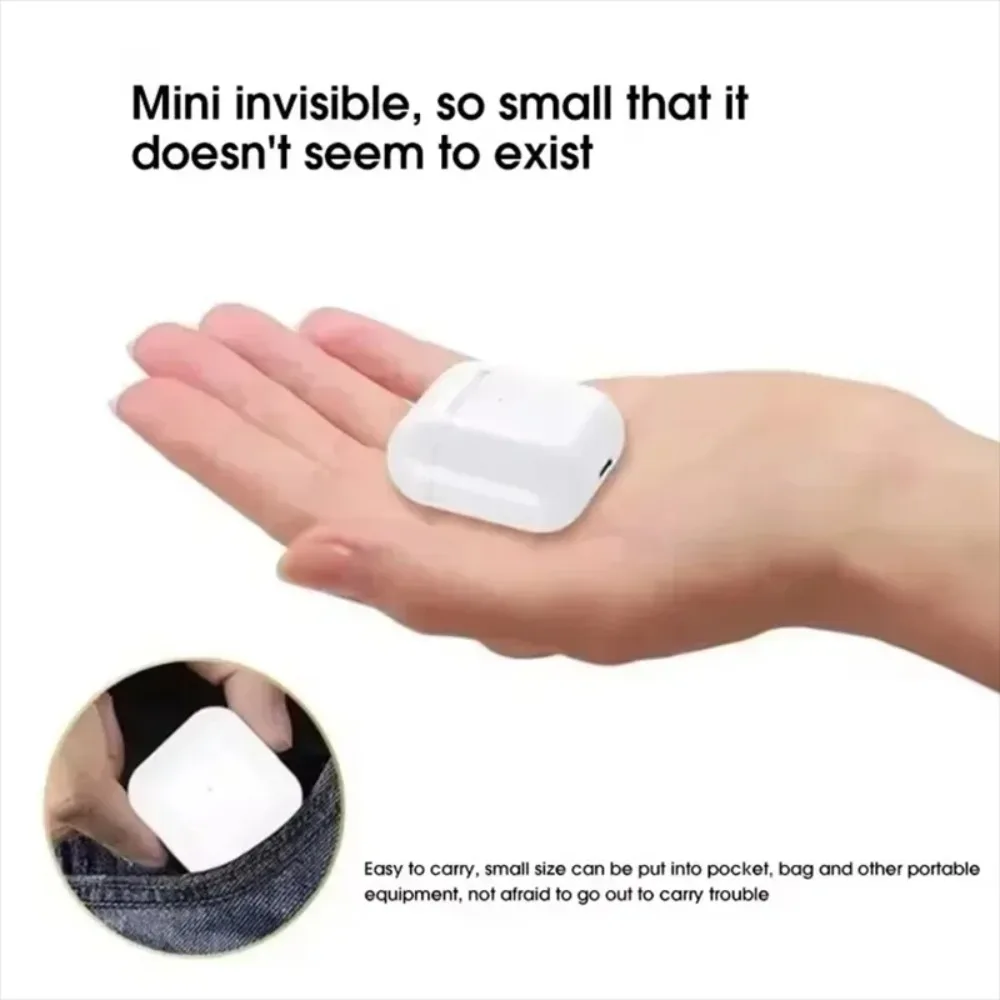
1 * Charging box
1 * Data cable
1 * Manual
【Wireless Bluetooth Earphone Connection Tutorial (General Steps)】
1. First pairing connection (using a mobile phone as an example)
Enable headphone pairing mode
Open the charging room → Long press the power button for 3-5 seconds until the indicator light alternately flashes white/red blue.
【How to avoid disconnecting headphones】
1. Keep the device within a range of 10 meters
Bluetooth effective range: generally within 10 meters. Beyond this range, the signal weakens and it is easy to disconnect.
【Adjustable volume headphones】
1. Check the device volume settings
Increase media volume
Mobile/Computer: Press the volume button to adjust to maximum, or go to Settings → Sound → Ensure that the media volume is turned up.
Attention: The call volume and media volume are separate, please make sure to adjust the media volume (such as when playing music).
【How to wear headphones】:
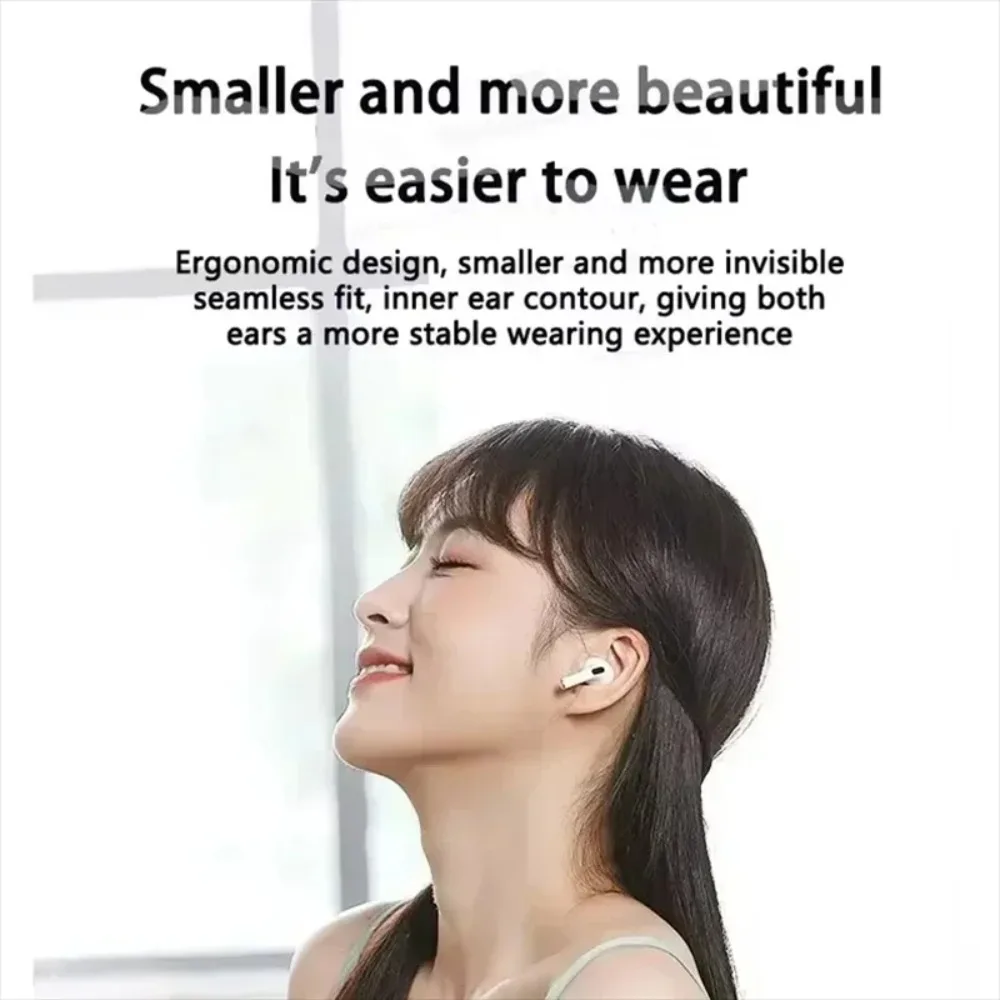
1. Distinguish between left and right earphones
Headphones are usually labeled with L (left) and R (right). Before wearing, please confirm the direction and avoid wearing backwards, as this may affect the fit.
2. Adjust the ear clip area
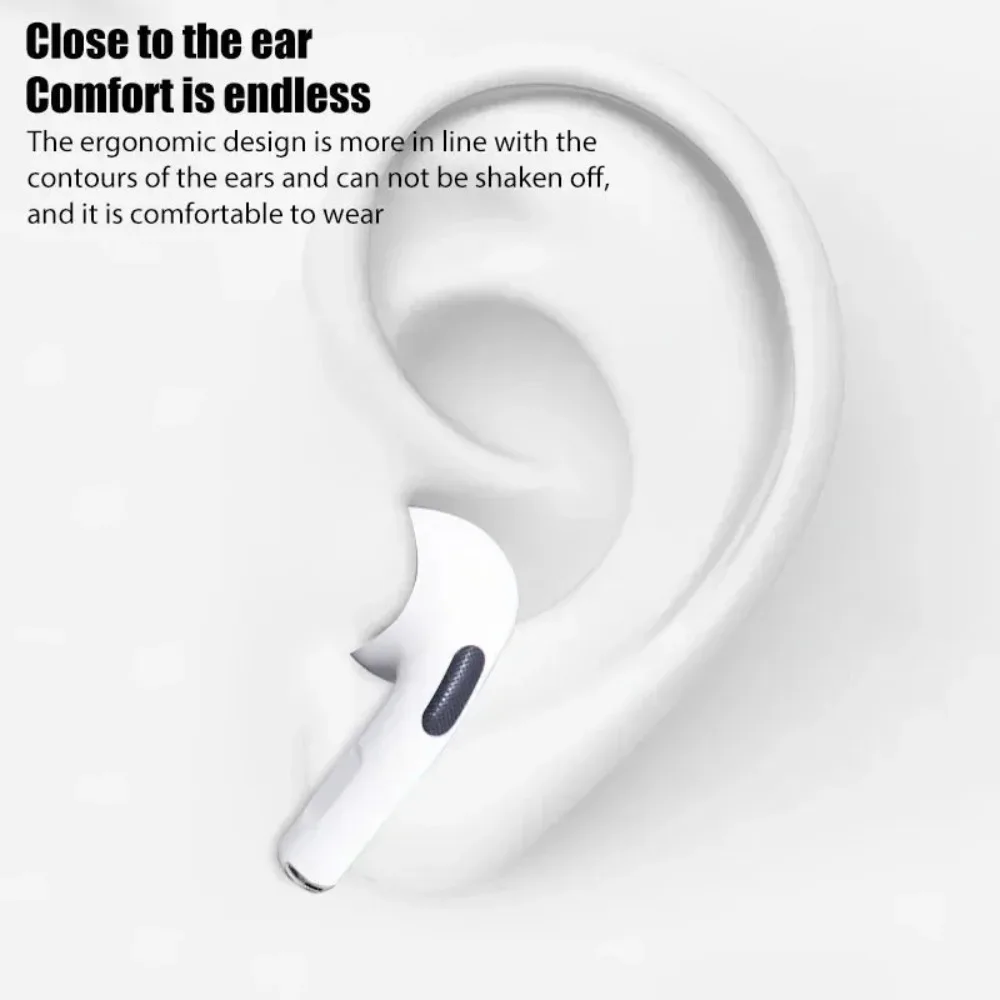
Clip design: The earphones are fixed on the auricle with elastic clip arms, and the following steps are required when wearing:
Pinch the arm with your thumb and index finger and gently stretch the elastic part.
Align the headphone unit with the ear canal and wrap the arm around the back of the auricle (similar to the position of the eyeglass legs).
Slowly release the clamp arm and let it naturally grip the ear, avoiding excessive force and preventing pressure.
【How to charge and power on headphones】
Confirm charging interface
Most headphones use a USB-C interface (some older models may be Micro USB)
Insert the original or compatible charging cable into the headphone charging port and connect the other end to a 5V/1A~2A adapter or computer USB port.
The headphone indicator light remains on/flashing during the charging process (usually red indicates charging, green indicates fully charged).
【Charging time】
Usually takes 1-3 hours, please refer to the user manual for details.
It is recommended to fully charge the device before starting it for the first time


